
9 reasons to choose Sketch in 2026
It’s 2026, and if you’re thinking of switching up your design tool, we figured it was a good moment to reintroduce ourselves.
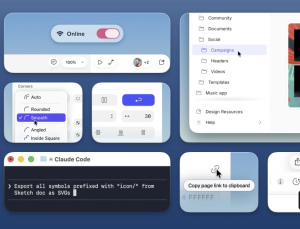
It’s 2026, and if you’re thinking of switching up your design tool, we figured it was a good moment to reintroduce ourselves.

Discover the top 12 web design tools for 2026 – from AI-powered builders to creative resources for designers.
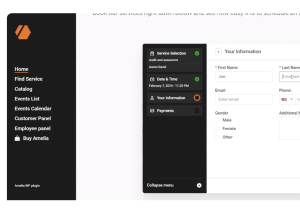
Picking the right WordPress plugins can make a clear difference in how your site works and how easy it is to maintain. In 2026, when tools, design trends, and online needs shift quickly, relying on strong, well-built plugins matters more than ever.

Kyle Zantos is leading the new UX Tools Labs where he’s responsible for figuring out what matters for new design tools and workflows.
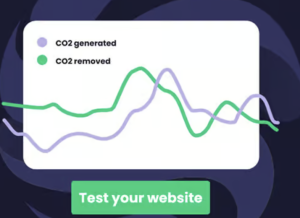
By late 2025, the internet’s greenhouse gas output is projected to surpass the aviation industry. If you are reading this, you likely already know that “sustainable web design” has graduated from a niche ethical preference to a central operational requirement.
These details aren’t accidents. They’re decisions. Careful, intentional decisions made by people who care deeply about craft.

Developers use Chrome DevTools almost every day, but the toolset is so extensive that many features remain unnoticed. In this short overview, we’ll explore several DevTools capabilities that are genuinely useful in real-world work and often overlooked.
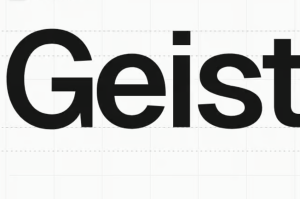
Free heavy and ultra-bold fonts are the fastest way to make a headline, poster, or thumbnail punch through the noise—without burning your budget or fighting licensing fine print.
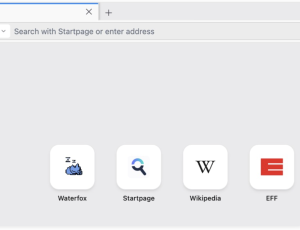
In this roundup, we’ve gathered a selection of open-source and free utilities designed to boost productivity, streamline tasks, improve your coding experience and your browsing privacy.
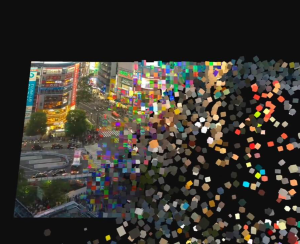
A tutorial showing how video pixels are voxelized in 3D and dropped into a physics-driven world using Three.js, shaders, and Rapier.


